VPS-CTRL

ULTIMATE VPS MANAGEMENT COMMAND CENTER

01. OVERVIEW

VPS-CTRL is a lightweight, high-performance dashboard designed for developers who need full control over their remote servers without the overhead of heavy enterprise tools. It combines real-time monitoring, a robust file explorer, and a full interactive terminal into a single, secure web interface.

02. CAPABILITIES

📊 Live Metrics

High-resolution CPU and RAM monitoring with interactive mini-graphs for instant health checks.

🖥️ PTY Terminal

Real pseudo-terminal integration via WebSockets. Run interactive apps like htop, nano, and vim natively.

📝 Code Editor

Built-in Monaco Editor (VS Code core) with syntax highlighting, auto-detection, and remote saving.

📁 File Control

Advanced explorer with hidden file support. The terminal automatically syncs its path to your navigation.

⚙️ PM2 & NPM

Deploy and manage processes with dedicated PM2 controls and direct NPM execution buttons.

🔒 Security

JWT authentication, HttpOnly secure cookies, and strict directory traversal prevention.

03. DEPLOYMENT

Follow these steps to initialize your control center:

# 1. Clone the core
git clone https://github.com/chriz-3656/VPS-CTRL.git

# 2. Install dependencies
cd VPS-CTRL
npm install

# 3. Configure environment
# Create .env from template
cp .env.example .env
# Edit your password and secret
nano .env

# 4. Launch system
npm start

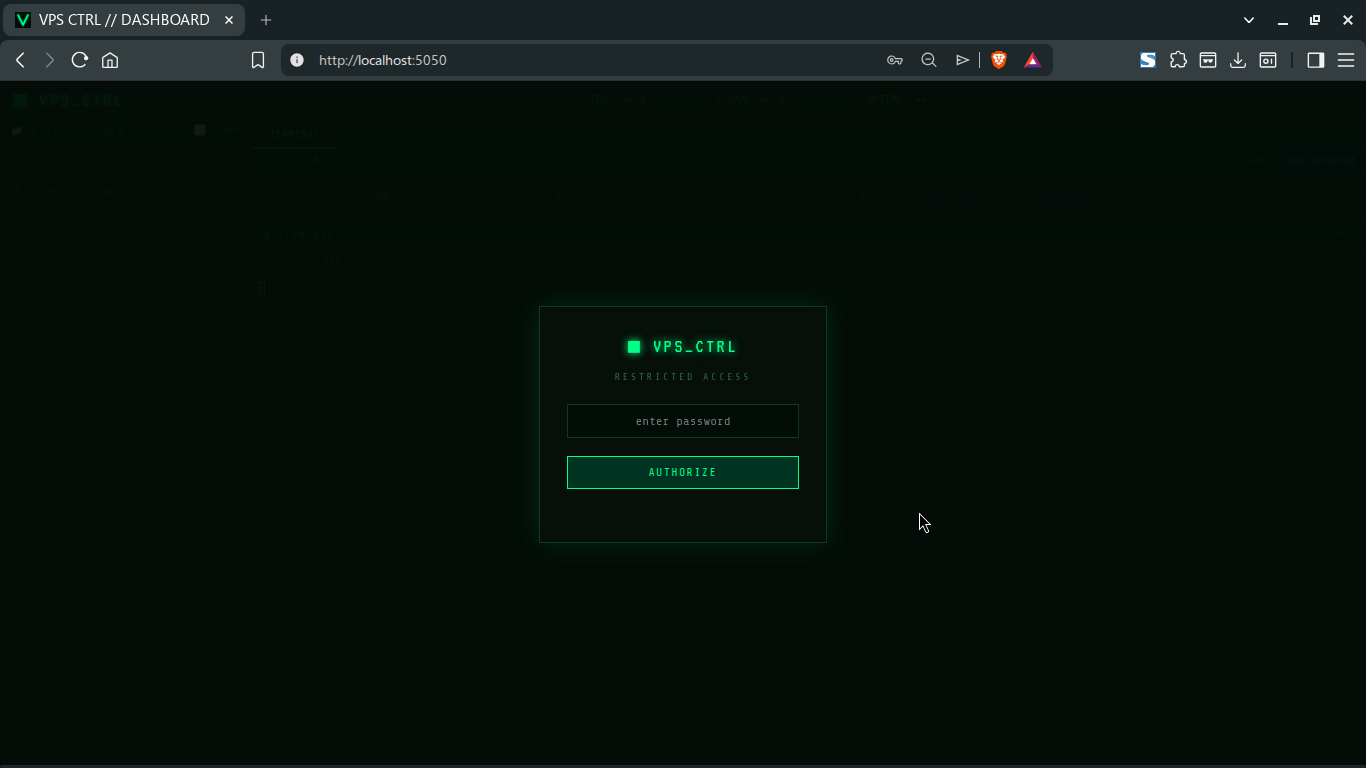
04. AUTHENTICATION

VPS-CTRL uses an industrial-grade security stack to ensure your terminal remains private. All sessions are protected by encrypted JSON Web Tokens (JWT) stored in secure, read-only cookies.